

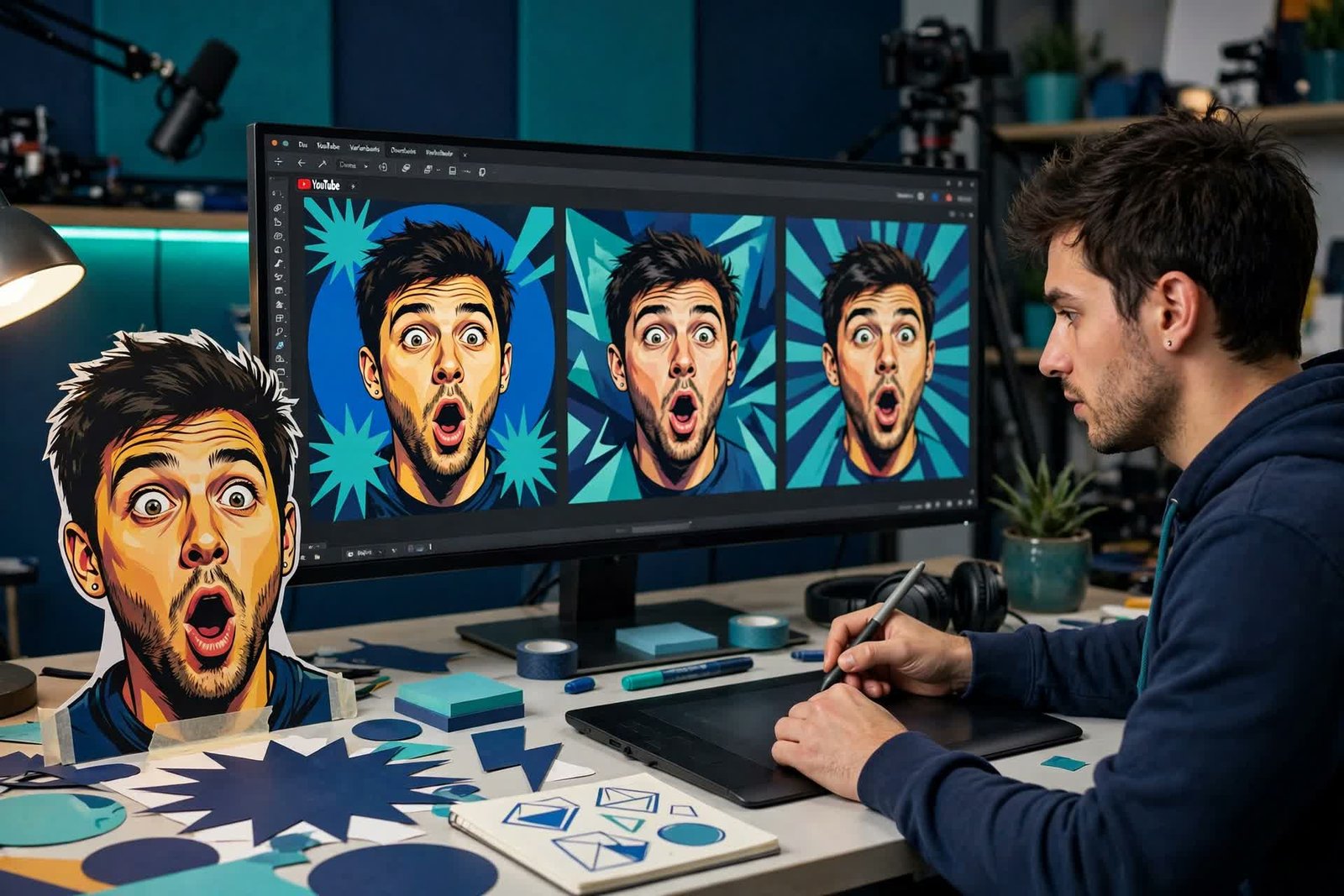
Quick verdict: “AI thumbnail maker” is three different products wearing one name. Generators invent the image: Pikzels (from $20/mo) is the specialist — prompt-to-thumbnail, recreating styles from a video link, even training a digital persona of your face — and 1of10 (from $19/mo) pairs generation with viral-outlier research. Editors help you build it: Canva (free tier genuinely works; Pro $18/mo) is the default for most creators, Snappa ($10/mo billed yearly) the stripped-down option. Testers don’t make thumbnails at all: ThumbnailTest (from ~$29–32/mo) A/B tests them on live videos — powerful only once your videos get enough impressions, and behind YouTube’s own free Test & Compare feature in the queue. Buy in that order: editor first (free), generator when volume bites, tester when traffic justifies it. Prices checked October 14, 2026.
Our quick picks
- Best generator: Pikzels — thumbnails from a prompt, with face personas for faceless-to-face channels.
- Best generator + research: 1of10 — generation plus outlier hunting in one tool.
- Best editor (and free start): Canva — templates, your photos, AI assists on Pro.
- Best suite: vidIQ Boost ($19/mo) — thumbnail generation inside a full channel-growth toolkit.
- Best tester: ThumbnailTest — real A/B data, when your views can feed it.
The field at a glance
| Tool | Type | Entry price | Free tier |
|---|---|---|---|
| Pikzels | Generator | $20/mo (Essential); Premium $28/mo billed yearly | Trial only — 5 watermarked thumbnails |
| 1of10 | Generator + research | Basic $19/mo ($180/yr) | Yes — 60 credits/mo (~15 thumbnails), research capped |
| Canva | Editor (+ AI assists) | Free; Pro $18/mo or ~$144/yr | Yes — templates fully usable; small AI generation allowance |
| Snappa | Editor (templates) | Pro $10/mo billed yearly | Yes — 3 downloads/mo |
| vidIQ | Suite (generator inside) | Boost $19/mo ($199/yr) | Yes — 150 AI credits/mo, no thumbnail unlock at free tier |
| ThumbnailTest | Tester | ~$29–32/mo (Basic; smaller channels get 40% off) | None |
The generators
Pikzels — the specialist
Pikzels does one job at full depth: give it a title or prompt and it generates thumbnail concepts in styles trained on what performs; paste a competitor video link and it recreates that thumbnail’s structure for your content; use FaceSwap or train a Persona (200 credits) and your face appears consistently without a photo shoot per video. Batch generation (16 variants) plus CTR-oriented scoring makes it a working system rather than a toy. Essential is $20/mo; Premium runs $40/mo or $28/mo billed yearly; Ultimate $56–80. The trial is watermarked previews only — audition the style, expect to pay. (One note: the Essential tier’s availability has flickered in listings — confirm at checkout.)
1of10 — generation with a research brain
1of10’s pitch is finding the thumbnail idea before making it: outlier research across YouTube (which videos punched above their channel’s weight, and what their packaging did), then AI generation to execute your version. Its “trained on billions of views” claim is vendor marketing — treat it as positioning, not proof — but the workflow (research → generate → iterate in the Chrome extension) is sound. Free tier includes 60 credits/mo; Basic is $19/mo; Pro $69–89/mo for heavy research seats.
The editors
Canva — the default, free to start
For most creators the thumbnail workflow is: your photo or a frame grab, a bold composition, three words of text, contrast check at small size. Canva free does this completely — templates, elements, resizing — which is why it anchors the creation slot in our small-business stack logic too. Pro ($18/mo or ~$144/yr) earns its money on the BG Remover (Pro-only and genuinely the thumbnail feature), brand kits, and a much larger AI generation allowance through Magic Media — roughly 2,000 standard image generations vs a small free pool. Snappa ($10/mo billed yearly; free tier 3 downloads/mo) is the honest minimalist alternative: templates, no meaningful AI generation, nothing to learn.
The testers (and the free one inside YouTube)
Before paying any tester, use YouTube’s built-in Test & Compare: upload up to three thumbnails on a published video and YouTube splits traffic and reports watch-time share — free, native, sufficient for most channels. ThumbnailTest (Basic ~$29–32/mo; 40% off for channels under 10k subs) goes further — unlimited tests including titles, hourly/daily rotation — and vidIQ Boost ($19/mo, 2,000 AI credits/mo) bundles a thumbnail generator with its keyword/coaching suite for channels already paying for growth tooling.
The statistical honesty paragraph every thumbnail article owes you: A/B testing needs impressions to mean anything. A video with 800 views cannot crown a winner — the noise swallows the signal. Testing pays when a video reliably reaches five figures; below that, your money works harder in generation volume and better concepts. That’s not a knock on testers; it’s the order of operations.
FAQ
What is the best free AI thumbnail maker?
Canva free, for the complete editor workflow with templates — its paid AI-generation allowance is small, but thumbnail making is mostly composition, not generation. Among pure generators, 1of10’s free tier (60 credits/mo) is the most generous real audition.
Do AI-generated thumbnails hurt a channel?
No platform penalty exists for AI-generated thumbnail imagery used honestly — but generic AI gloss is becoming visually recognizable, and sameness is the real CTR killer. The winning pattern in 2026: AI for concepts and variations, a real face/frame for the focal point, your channel’s consistent style across all of it. Faces still outperform objects; emotion still outperforms faces-with-no-emotion.
Pikzels or Canva Pro?
Different jobs. Pikzels generates concepts and variants fast (and puts your face in without shoots) — buy it when thumbnail ideation is your bottleneck and you publish often. Canva Pro is the general design subscription (BG Remover, templates, everything else you design) — buy it when thumbnails are one of ten design jobs. Running both is common at scale; starting with both is waste.
Where do thumbnails fit a beginner’s budget?
Dead last among paid tools. Our beginner editor guide and the repurposing workflow come first; a $0 Canva habit plus YouTube’s free Test & Compare covers thumbnails until your CTR data — not your anxiety — says otherwise.
Prices verified October 14, 2026 (ThumbnailTest from its official pricing; other figures cross-checked across multiple current listings — vidIQ’s suite pricing has churned repeatedly and is presented as the current Boost tier; Pikzels’ Essential availability should be confirmed at checkout). If a figure here has moved, tell us via the Contact page. Some links in our reviews may be affiliate links; rankings are always based on testing, never commissions (see our Affiliate Disclosure).